
A phone that switches on, shows the brand logo, and then either freezes there or restarts in an endless loop is one of the most frustrating problems a phone owner faces. You can see the phone is not dead, but it refuses to reach the home screen. At our Keshavpura shop, boot loop cases are common, and most have a clear cause and a clear solution.
What Causes a Boot Loop?
The startup (boot) process involves the phone running a series of checks and loading the operating system. If anything in that chain fails or encounters a conflict, the phone either hangs at the logo or restarts and tries again, repeatedly. The cause is either software or hardware.
Software Causes
- Failed system update. If a software update was interrupted, by a power cut (which is common with Kota's occasional electricity fluctuations), low battery, or network failure, the partially installed update can corrupt the system.
- Corrupted app or cache. Sometimes a newly installed app or a heavily corrupted system cache prevents the OS from loading fully.
- Faulty custom ROM or flash. If the phone was given to a shop that flashed unofficial software, that can create persistent boot issues.
- Full internal storage. When storage is 100% full, the OS cannot write temporary files during boot and may hang or loop.
Hardware Causes
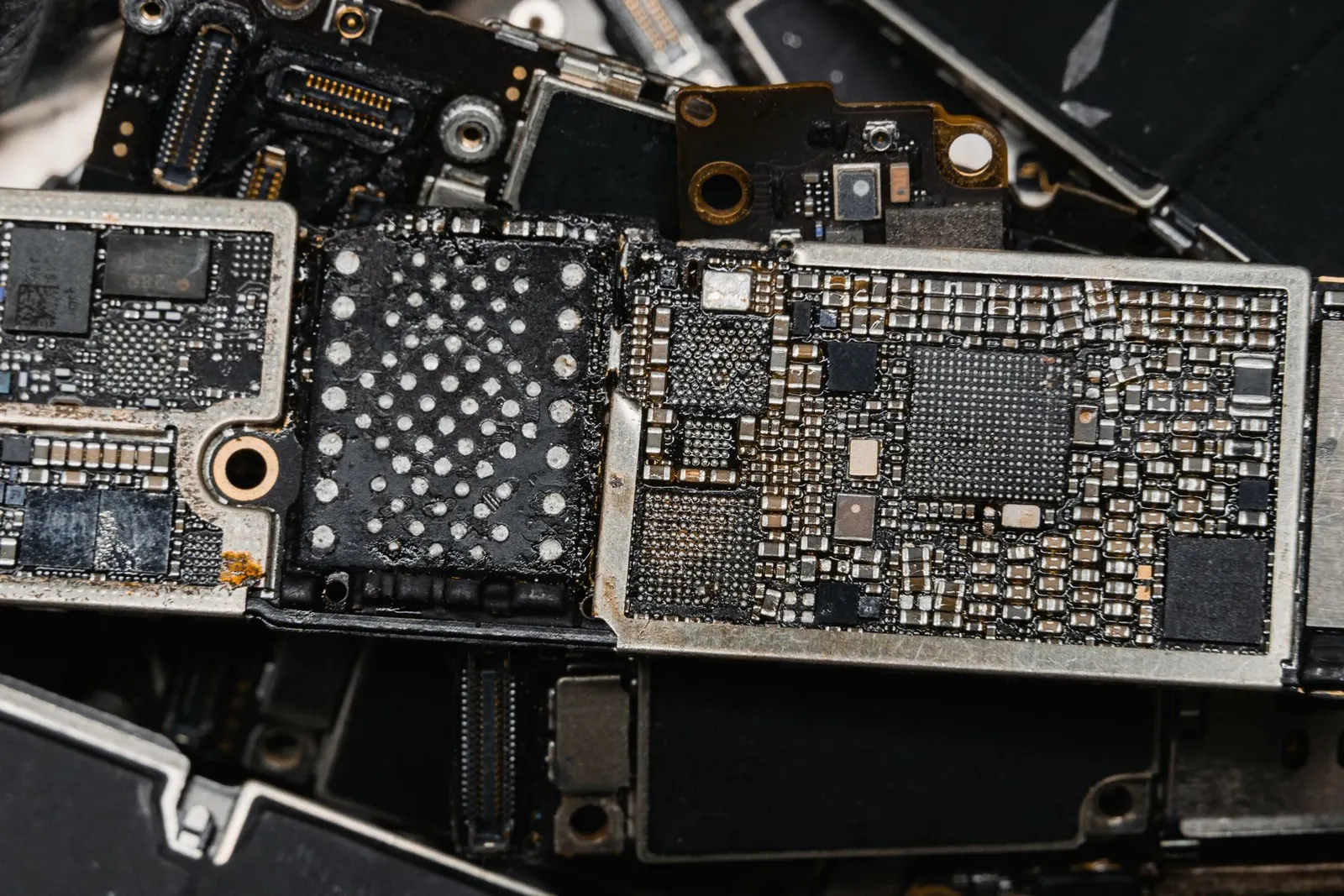
- Failing eMMC/UFS storage chip. The internal storage chip is where the OS lives. If it has bad sectors or is failing, the phone cannot load the software it needs to boot.
- RAM failure. Faulty RAM chips cause the phone to fail memory checks during startup.
- Loose or damaged connectors. Connectors coming loose after a drop, particularly the display flex or battery connector, can cause the phone to appear stuck at boot.
- Water damage. Partial water damage can cause intermittent component failures that only manifest during the startup sequence.
What You Can Safely Try at Home
Before bringing the phone to us, these steps are safe to try:
- Wait it out. Sometimes a first-boot after a major update genuinely takes 10 to 15 minutes. Give it time before assuming a loop.
- Force restart. Hold power (and volume down on many Android models) for 15-20 seconds. This forces the phone to cut power and restart fresh.
- Boot into Recovery Mode (usually power + volume up, held together). From recovery, you can clear the cache partition without affecting your data. This resolves many software-caused loops.
- Factory reset from recovery is the nuclear option, it erases all data but fixes almost all software causes. Only do this if you have a recent backup.
Do not attempt to flash firmware or install unofficial software from random websites, this more often causes additional problems than it solves.
What We Do at Our Shop
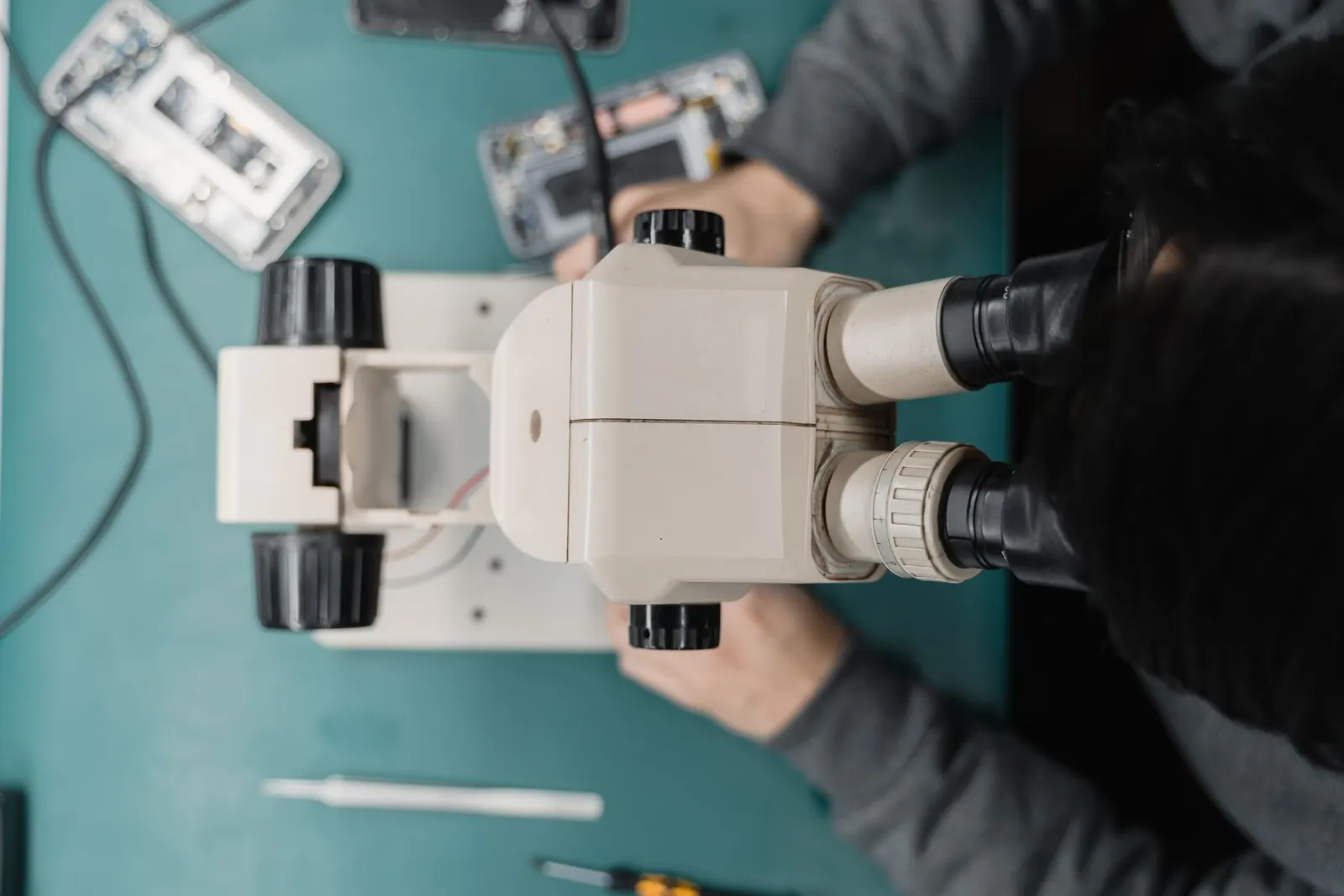
When a customer brings us a boot-looping phone, our first step is to determine whether it is software or hardware. We connect the phone to a computer and check if the device is detected. We use manufacturer-specific tools to attempt a firmware reflash, this often resolves software corruption without erasing data.
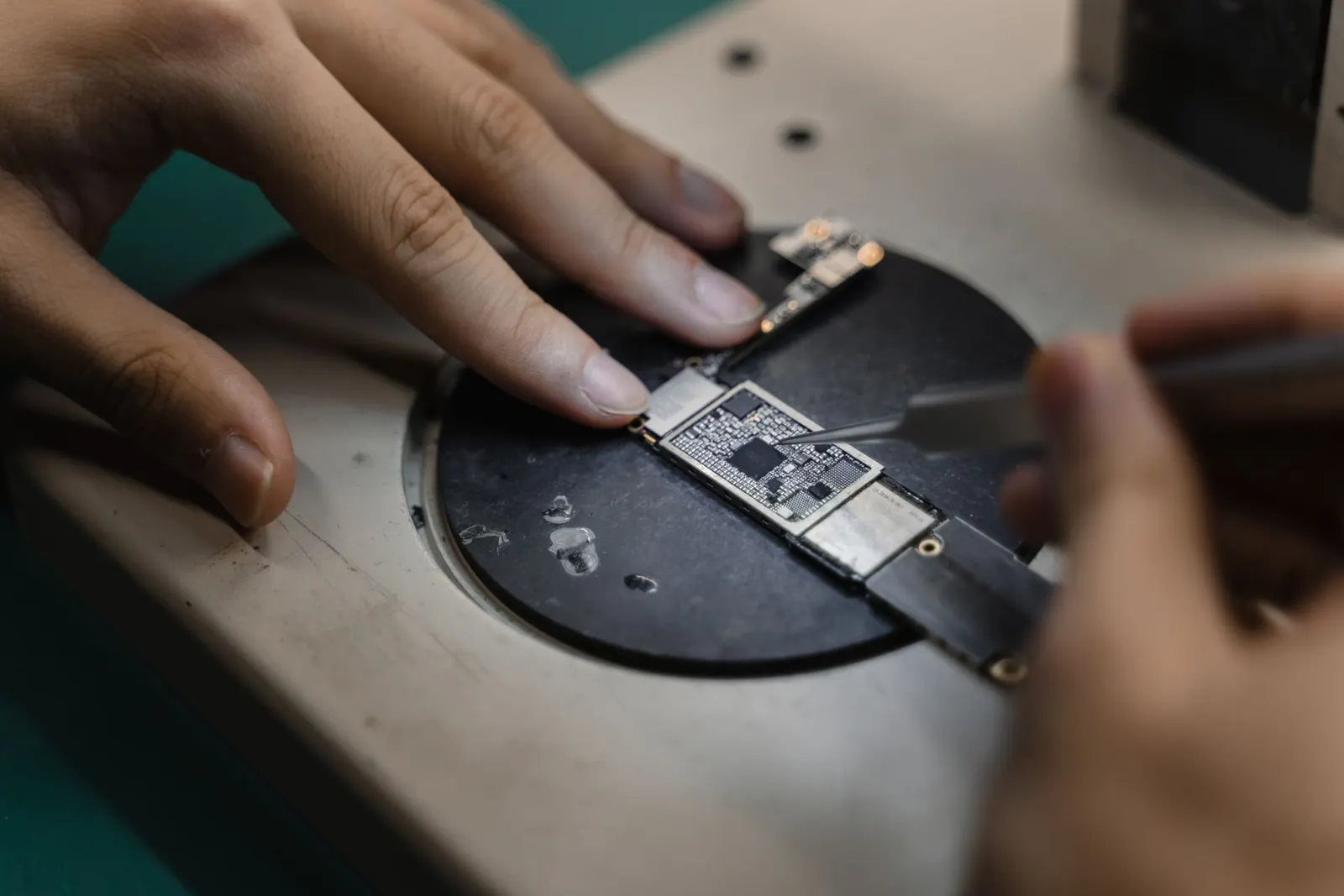
If firmware reflash does not work, or if the phone shows hardware error codes, we diagnose at the board level. A failing storage chip is the most common hardware cause and can sometimes be replaced, though this is advanced work.
Typical Costs in Kota
| Service | Typical Price Range |
|---|---|
| Software reflash / firmware restore | ₹300 - ₹700 |
| Cache clear + data wipe (factory reset) | ₹200 - ₹400 |
| Storage chip diagnostics | ₹400 - ₹800 |
| Storage chip / eMMC repair or replacement | ₹2,000 - ₹6,000 |
The exact cost is confirmed after the free diagnosis. Software fixes are usually quick and affordable. Storage chip repairs are more involved and the cost depends on your phone model.
Can Data Be Saved?
For software-caused boot loops, a firmware reflash often preserves data. A factory reset (which solves most remaining software cases) erases data. For hardware storage failure, we attempt to recover data before any repair. We always tell you the data situation upfront.
If your phone is stuck at the logo or looping endlessly, bring it to our Keshavpura shop. We diagnose it for free and give you a clear plan before touching anything.
Frequently asked questions
My phone loops at the logo after an update, will my data be safe?
Often yes. A firmware reflash to fix a failed update frequently preserves data. We try to keep your data intact before considering any factory reset.
How long does a software reflash take?
Usually 30 to 90 minutes depending on the phone model and the size of the firmware package. We will give you a time estimate when you drop off the phone.
My phone loops even in Safe Mode, does that mean it is hardware?
Not necessarily, but it is a stronger indicator of either deep software corruption or a hardware fault. It means the problem is not caused by a downloaded app and needs professional diagnosis.
Can a boot loop damage the phone further if I leave it?
Continuous rebooting puts extra strain on the battery and can cause mild heat buildup. It is worth resolving sooner rather than later, but it will not cause instant damage if you bring it in within a day or two.
My phone was fine until I gave it to another shop for a repair and now it loops, what happened?
This sometimes happens when a shop installs incorrect firmware, uses wrong parts, or incorrectly reconnects flex cables. Bring it to us and we will diagnose what went wrong.
Questions & comments
Ask our Kota technicians anything about this repair. All posts are reviewed before they appear. For an urgent quote, WhatsApp us.
No comments yet, be the first to ask a question.
Leave a comment or ask a question
First, verify your email. We send a 6-digit code so we know you are a real person. Your email is never shown publicly.
Enter the 6-digit code we emailed to .